
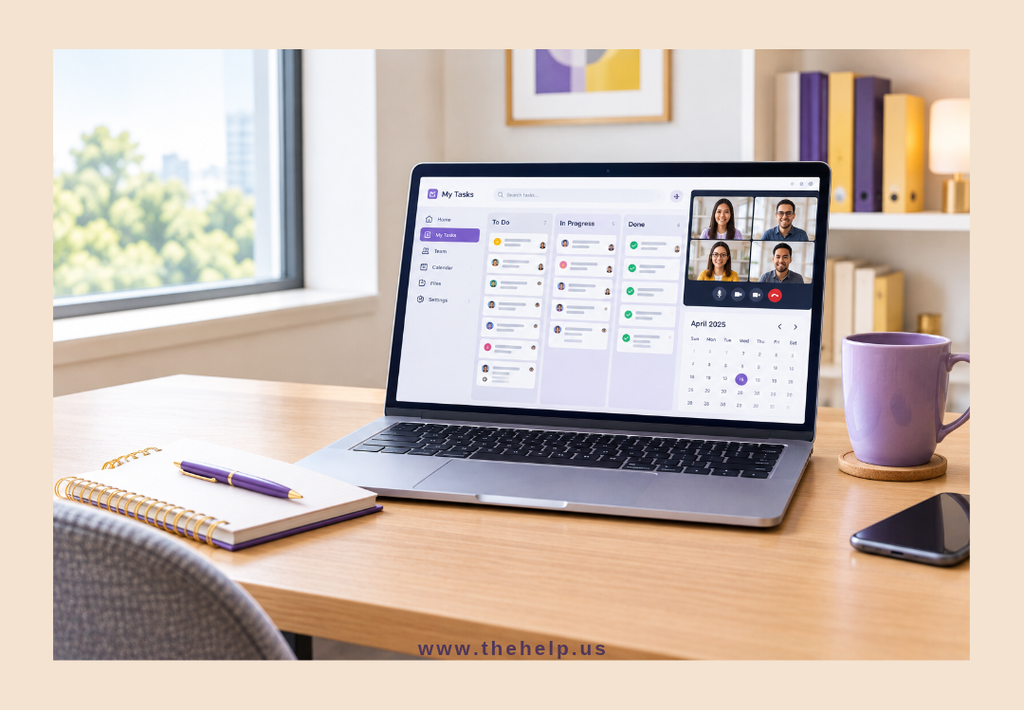
Hiring a remote assistant can help you save time, stay organized, and focus on the work that matters most. But getting the most out of the partnership takes more than assigning tasks and expecting them to get done.
The key is building a working relationship based on clear communication, trust, and well-defined processes.
Whether you are working with a virtual assistant for the first time or looking to improve your existing setup, here are seven practical ways to work effectively with a remote assistant.
1. Set Clear Expectations From the Start
A successful working relationship begins with clarity. Your remote assistant needs to understand what you expect, how you prefer tasks to be completed, and what success looks like.
Instead of saying, “Please handle my emails,” explain which emails need a response, which ones should be escalated, and which can be archived or ignored.
Make sure to discuss:
- Roles and responsibilities
- Working hours and availability
- Communication preferences
- Deadlines and priorities
- Quality standards and reporting expectations
Clear expectations reduce confusion, prevent unnecessary revisions, and help your assistant work more independently.
2. Create Simple, Repeatable Processes
If you find yourself explaining the same task repeatedly, it may be time to document the process.
Standard operating procedures (SOPs), checklists, templates, and step-by-step instructions help your remote assistant complete recurring tasks consistently.
For example, if your assistant handles scheduling, document how meetings should be booked, how conflicts should be resolved, and what information should be included in calendar invitations.
You do not need to document everything at once. Start with the tasks you delegate most frequently, then improve your documentation as your needs evolve.
Well-defined processes also support business process improvement and workflow optimization, making it easier to grow without creating unnecessary complexity.
3. Communicate Regularly and Clearly
Remote work does not mean communication should be occasional. Without the benefit of being in the same office, both parties need a reliable way to share updates, ask questions, and resolve concerns.
Choose communication tools that suit your team’s needs, such as email, Microsoft Teams, Slack, or project management software.
It also helps to establish guidelines for when and how to communicate. For example:
- Use chat for quick questions and brief updates.
- Use email for detailed instructions or formal communication.
- Use project management tools to track tasks and deadlines.
- Schedule regular check-ins to discuss progress and priorities.
Be specific when giving instructions. Explain what needs to be done, when it is due, and whether there are any special requirements.
Consistent communication helps prevent misunderstandings and keeps everyone working toward the same goals.
4. Delegate Outcomes, Not Just Tasks
One common mistake is delegating individual tasks without explaining the bigger picture.
Your remote assistant may be able to complete a task more effectively when they understand why it matters and how it supports your business.
For instance, instead of simply asking your assistant to update a customer database, explain that accurate records help your team follow up with customers, maintain reliable information, and deliver better service.
As your assistant becomes more familiar with your operations, give them appropriate ownership of recurring responsibilities. This allows them to identify problems, recommend improvements, and handle routine decisions within agreed boundaries.
Effective delegation does not mean giving up control. It means providing enough context and authority for someone else to help you move work forward.
5. Use the Right Tools and Keep Information Organized
Your remote assistant needs access to the information and systems required to do the job. Disorganized files, scattered instructions, and unclear access permissions can slow down even a capable assistant.
Consider using shared tools for:
- Task assignments and project tracking
- Calendars and appointment scheduling
- Document storage and file sharing
- Customer relationship management
- Time tracking and progress reporting, when appropriate
Keep important instructions and reference materials in a central location whenever possible. This makes information easier to find and reduces the need to repeatedly ask where something is stored.
At the same time, protect your business information. Provide access based on responsibilities, use approved accounts and secure sharing methods, and avoid sharing passwords through unsecured channels.
The right systems make remote administrative support more efficient while helping your team maintain consistency and security.
6. Build Trust Through Feedback and Accountability
A remote assistant should know how their work is evaluated and feel comfortable asking questions when something is unclear.
Set reasonable deadlines, agree on how progress will be reported, and provide feedback that is specific and constructive.
Instead of saying, “This needs to be better,” explain what needs to change and what the desired result looks like.
For example, if a report is missing important details, identify the information that should be included and provide a sample if one is available.
Accountability also works both ways. Your assistant should communicate delays, flag potential problems, and ask for clarification when necessary. You should provide timely answers, relevant information, and feedback that helps them improve.
Trust grows when both sides follow through on commitments and address problems early.
7. Review What Is Working and What Needs to Improve
Your business needs will change, and your working relationship with your remote assistant should evolve with them.
Schedule periodic reviews to discuss workload, completed responsibilities, recurring challenges, and opportunities to improve existing processes.
Ask questions such as:
- Which tasks are taking longer than expected?
- Are there instructions or processes that need clarification?
- What responsibilities could be delegated next?
- Are communication and reporting working well?
- Where could we simplify or automate repetitive work?
These conversations help you identify bottlenecks before they become bigger problems.
You may also discover that your assistant can take on additional responsibilities, from administrative support and customer service to bookkeeping assistance and other business operations support tasks.
The goal is to create a partnership that becomes more effective over time.
Make Your Remote Assistant a Valuable Part of Your Team
Working effectively with a remote assistant is not just about getting tasks off your to-do list. It is about building a reliable system that helps your business operate more smoothly.
Start with clear expectations, document your processes, communicate consistently, and give your assistant the tools and guidance needed to succeed. As trust develops, you can delegate more confidently and spend less time managing routine work.
If you are still handling every administrative task yourself, consider which responsibilities could be managed by someone else. With the right support, you can protect your time, improve your workflows, and focus more energy on growing your business.
A great remote assistant does more than complete tasks. With the right partnership, they help you create the time and structure your business needs to move forward.